V O I D

Your games, your setup, your friends.

One companion for League, VALORANT, CS2, Forza Horizon, Apex, Phasmophobia, Dead by Daylight, Battlefield 6 and more. Overlays, builds, live stats, tunes and lineups on your PC, and the same account on your phone.

DownloadLog in / Sign up

Logged in, you get the clip feed: Medal, YouTube and Twitch clips from everyone, plus chat and your PC's live info.

League of LegendsVALORANTCounter-Strike 2Forza HorizonApex Legends PhasmophobiaThe Other SideDead by DaylightBattlefield 6FortniteMarvel RivalsRocket League

See it in action

VOID Companion
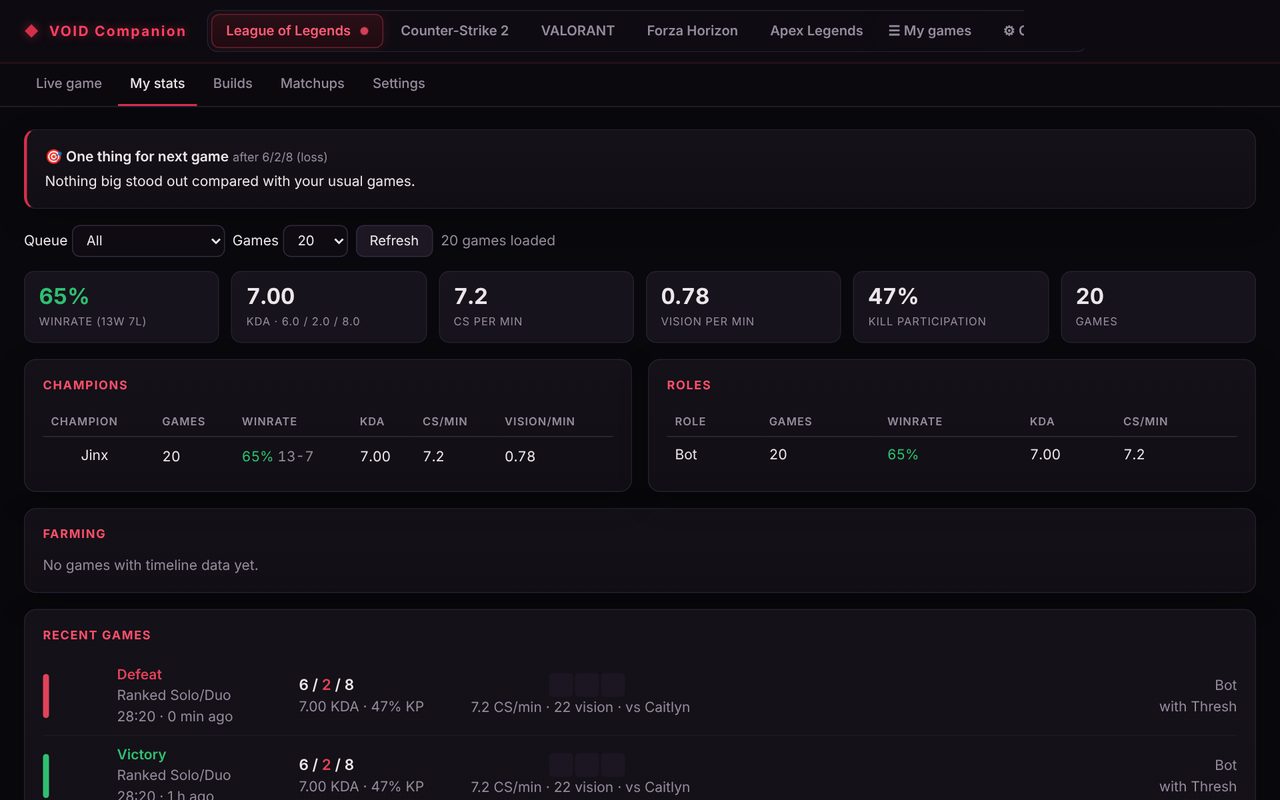
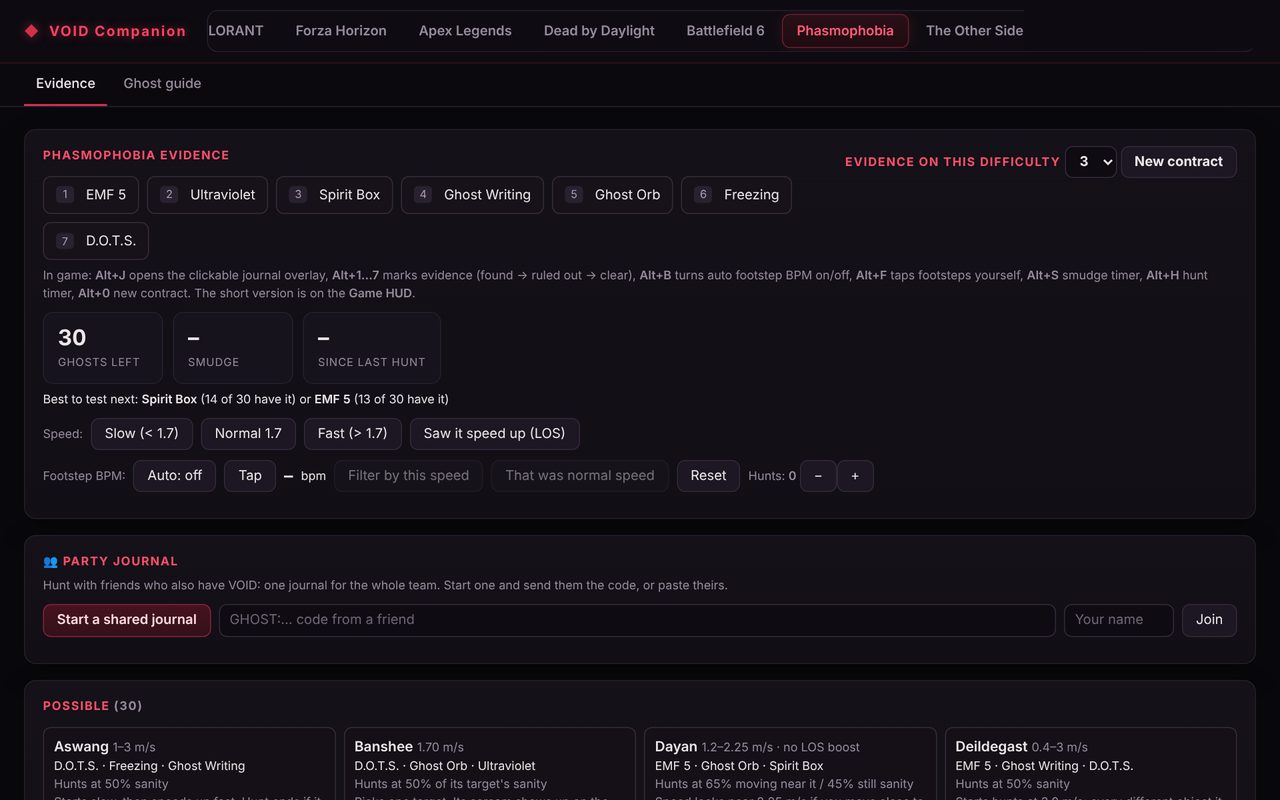
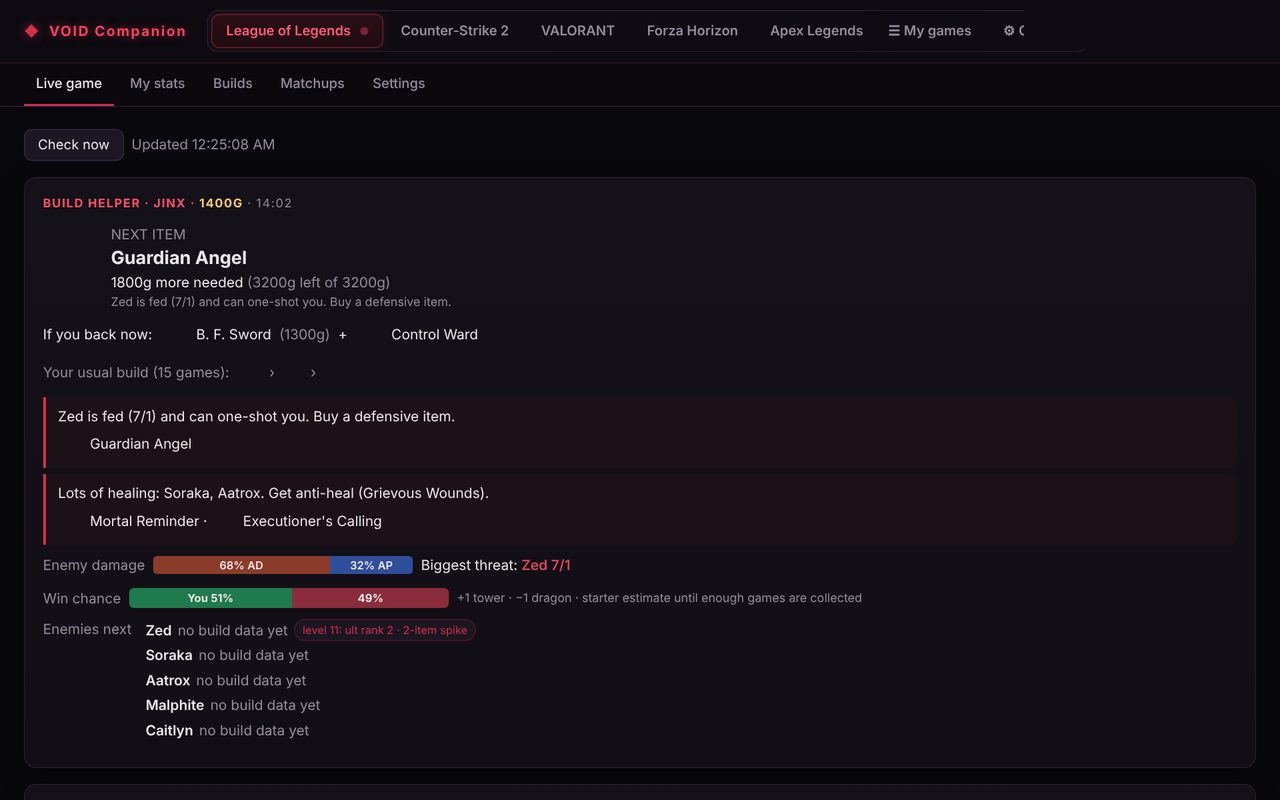
League live game: build helper telling you the next item My stats: winrate, KDA, champions and recent games Phasmophobia evidence journal

Live game: what to buy next, enemy threats, win chance

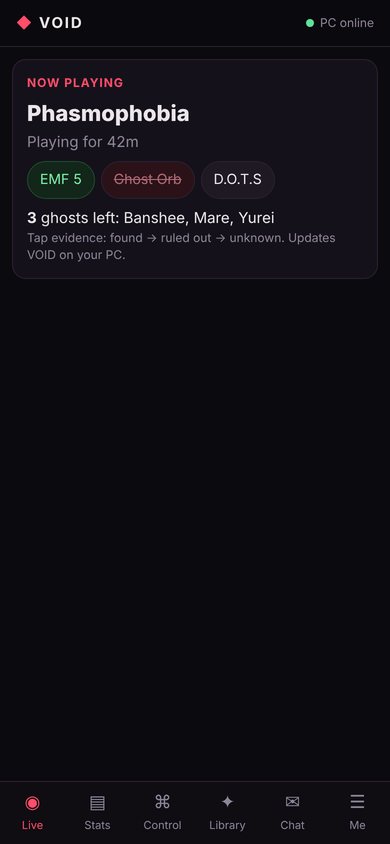
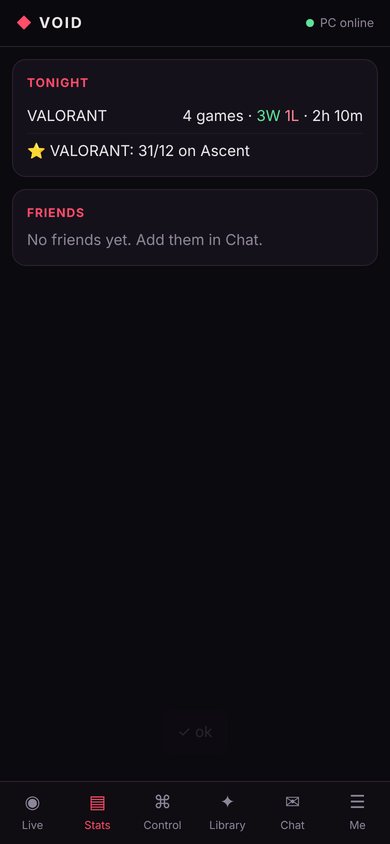
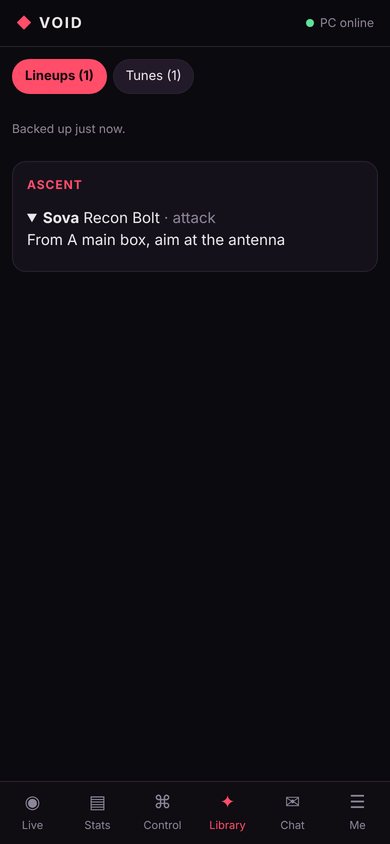
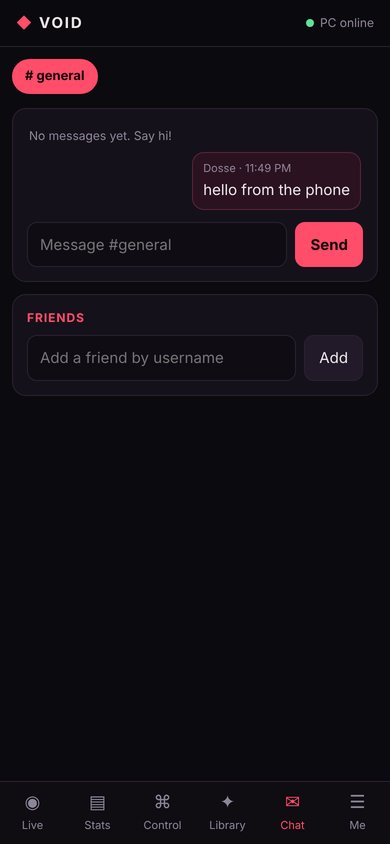
Phone: live game with ghost evidence Phone: tonight's games Phone: your lineups and tunes Phone: chat with friends

What it does

⚔ League of Legends

Live build helper that tells you the next item, one-click rune and item import in champ select, matchups, pro builds, stats and in-game overlays.

🎯 VALORANT

Your rank and night store, agent picks per map, lineups on the minimap, a live round map with economy calls, crosshairs and match review.

💣 Counter-Strike 2

Bomb and buy overlays from the game's own data, plus your stats and recent matches.

🏎 Forza Horizon

Live telemetry, a tuner that explains every change, drives and tuning history, a map of where you've driven, and shareable tune codes.

👻 Phasmophobia & The Other Side

Evidence journal with hotkeys, smudge and hunt timers, automatic footstep speed, and a party journal you share with friends.

🎮 And more

Apex map rotation and drop picker, Dead by Daylight shrine and perks, Battlefield 6 stats, Fortnite shop, a Game HUD and tilt guard.

🎬 Clip feed

Post your Medal, YouTube, Twitch or Streamable clips and watch everyone else's. Likes, and every clip also lands in the Discord.

📱 Phone app

See what's happening on your PC, tap ghost evidence from your phone, browse your lineups and tunes, and chat with friends.

☁ Your account

Log in once and your whole setup is backed up, encrypted with your password. A new PC just logs in and gets everything back.

💬 Discord hub

Match cards, nightly recaps, tunes and lineups posted to your own Discord server, plus live “now playing” status.

🖥

PC · Windows

Windows 10 or 11 (64-bit). Updates itself after install.

Download for Windows
Finding the newest version…
Windows says “protected your PC”?

VOID isn't code-signed yet, so SmartScreen warns about new apps. Click More info → Run anyway. Only download VOID from this page.

📱

Phone · Android & iPhone

Live stats, control VOID on your PC, your lineups and tunes, and chat with friends.

Open the VOID app
Android (Chrome): open the app → menu ⋮ → Install app / Add to Home screen.
iPhone (Safari): open the app → Share → Add to Home Screen.

Android APK: coming soon.

How it fits together

  1. Install VOID on your PC and play like normal.
  2. Make your account (you need an invite code from a friend who's already in).
  3. Log in on the PC (General → ☁ VOID account) and on your phone. Your setup is backed up, encrypted with your password.